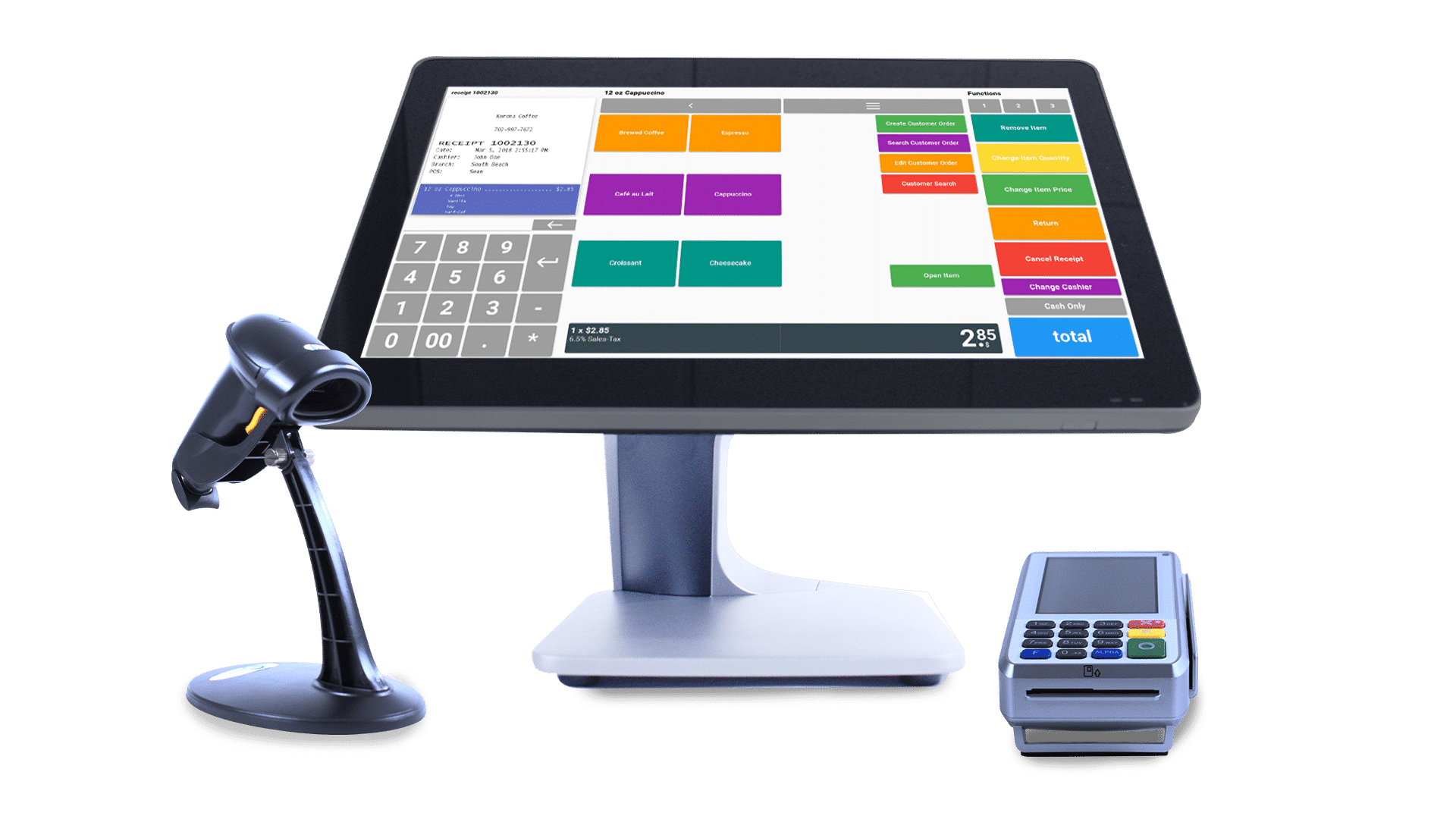
Choosing the right point-of-sale system is an important step for any business looking to improve efficiency and customer service. With a wide variety of options available, selecting a touch screen cash register requires careful consideration of your business needs, operational requirements, and future growth plans. A well-chosen system can streamline transactions, simplify inventory management, and provide valuable insights into business performance.
Before making a decision, it is important to compare features, ease of use, and compatibility with your existing business processes. A reliable Touch Screen Cash Register should offer fast transaction processing, accurate inventory tracking, secure payment options, and detailed reporting, helping businesses operate more efficiently while delivering a better customer experience.
Assess Your Business Needs
Every business has unique operational requirements. A retail store, restaurant, supermarket, or service provider may require different features to support daily activities.
Consider the following factors before selecting a system:
- Type of business
- Number of daily transactions
- Product or service range
- Number of employees
- Number of business locations
Understanding your specific needs helps narrow down the most suitable options.
Look for an Intuitive Interface
One of the biggest advantages of a touch screen system is its ease of use. Employees should be able to navigate menus, process payments, and complete transactions with minimal training.
A user-friendly interface helps reduce errors, shortens training time, and improves productivity during busy business hours.
Verify Payment Compatibility
Customers expect multiple payment options when making purchases. A modern touch screen cash register should support a variety of payment methods to ensure a convenient checkout experience.
Supported payment methods should include:
- Cash
- Credit and debit cards
- Contactless payments
- Mobile wallets
- QR code payments
Offering flexible payment choices can improve customer satisfaction and increase sales opportunities.
Evaluate Inventory Management Features
Effective inventory management is essential for maintaining product availability and avoiding unnecessary stock shortages.
Look for features such as:
- Real-time inventory updates
- Barcode scanning
- Low-stock notifications
- Product categorization
- Inventory reporting
Automated inventory tracking helps reduce manual work and improves operational accuracy.
Review Reporting and Analytics
Business reports provide valuable information for making informed decisions. A quality POS system should generate detailed reports that are easy to understand and access.
Useful reports may include:
- Daily and monthly sales summaries
- Best-selling products
- Employee performance
- Revenue analysis
- Customer purchasing trends
These insights help identify opportunities to improve efficiency and profitability.
Consider Cloud-Based Features
Cloud-enabled POS systems allow business owners to access sales and inventory data remotely. This flexibility is especially useful for businesses with multiple locations or managers who frequently travel.
Cloud functionality also provides automatic backups, software updates, and improved data security.
Check Integration Capabilities
A modern touch screen cash register should integrate with other business software to create a seamless workflow.
Common integrations include:
- Accounting software
- E-commerce platforms
- Customer relationship management systems
- Inventory management tools
- Marketing platforms
These integrations reduce duplicate data entry and improve overall efficiency.
Prioritize Security
Protecting customer payment information is a critical part of running a business. Choose a system that includes strong security features to safeguard sensitive data.
Important security features include:
- Encrypted payment processing
- User access controls
- Secure login authentication
- Regular software updates
- Data backup options
Strong security measures help reduce the risk of fraud and data breaches.
Plan for Future Business Growth
As your business expands, your POS system should be able to grow with it. A scalable solution allows you to add new products, employees, or store locations without replacing the entire system.
Investing in a flexible system helps protect your investment while supporting long-term business development.
Conclusion
Choosing the best touch screen cash register involves evaluating your business needs, payment options, inventory management capabilities, reporting tools, security features, and scalability. A well-designed system not only improves daily operations but also enhances customer service and provides valuable business insights. By selecting a solution that aligns with your current requirements and future goals, businesses can build a more efficient, organized, and competitive operation.